Lab Activity 8A:
Objective: As a group, install and configure a Domain Controller (DC). Learn how to add roles for Active Directory Services and setup the DC as a DHCP and DNS server. Create two Organizational Units (OUs): Staff and Faculty, then create users for each OU.
- At the end of this assignment you should:
- Within the Staff OU, ensure that three user accounts are created, named staff1, staff2, and staff3. The default course password should be used for all accounts.
- Within the Faculty OU, ensure that user accounts are created for each member (student) in your group, as well as an additional account named wkapakos. The default course password should be used for all accounts.
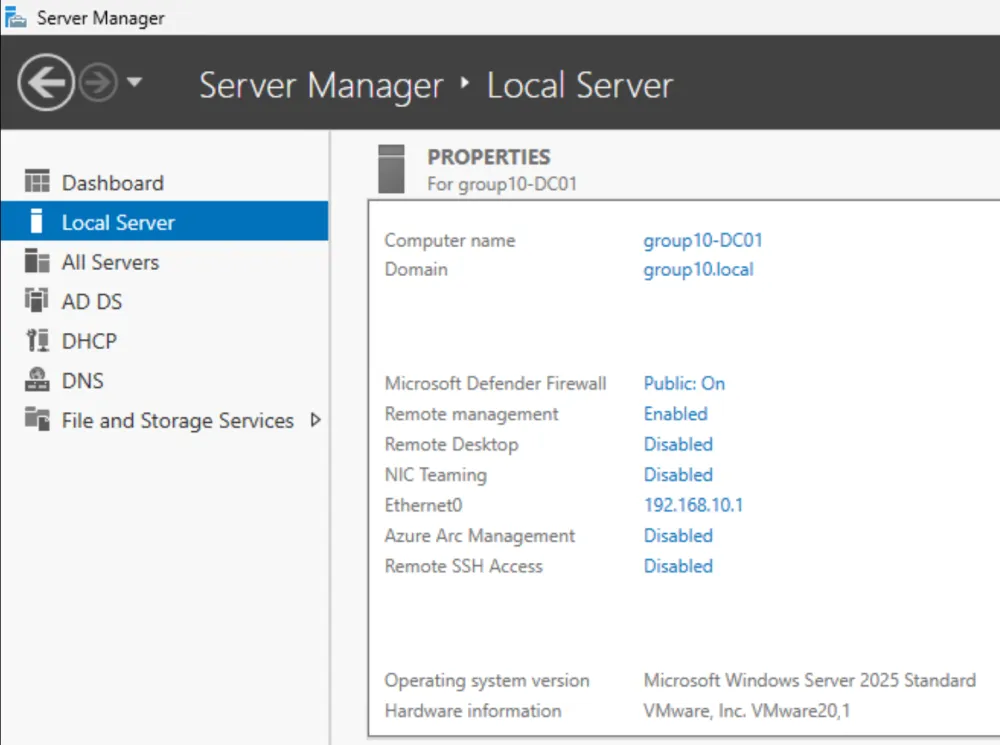
- Produce an output that is similar to the below screenshot, but with your own information.
groupX-DC01